 1
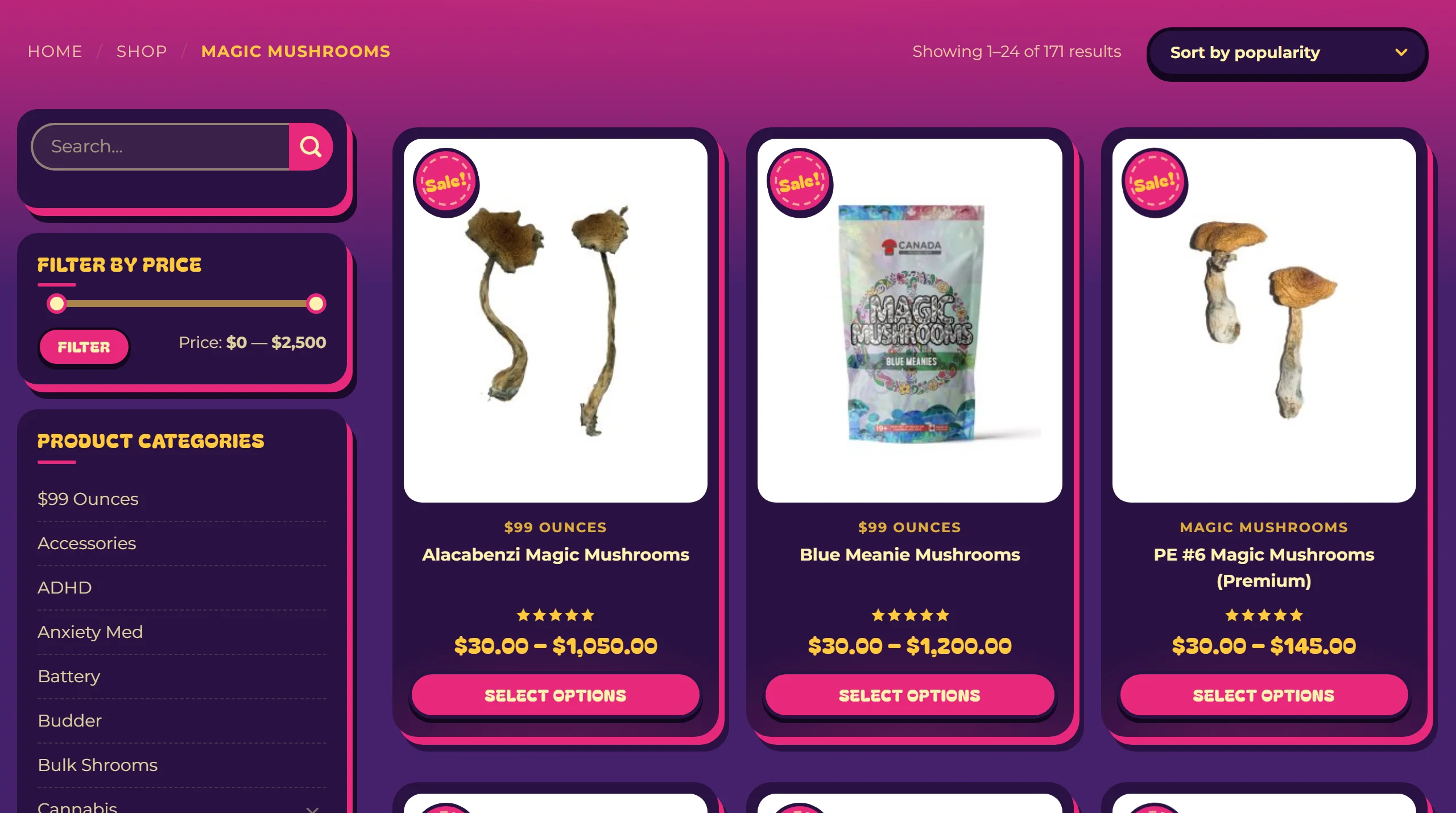
Step 1. Browse Our Shop
Go to our SHOP and choose the items you wish to purchase and add them to your cart.

 1
Go to our SHOP and choose the items you wish to purchase and add them to your cart.
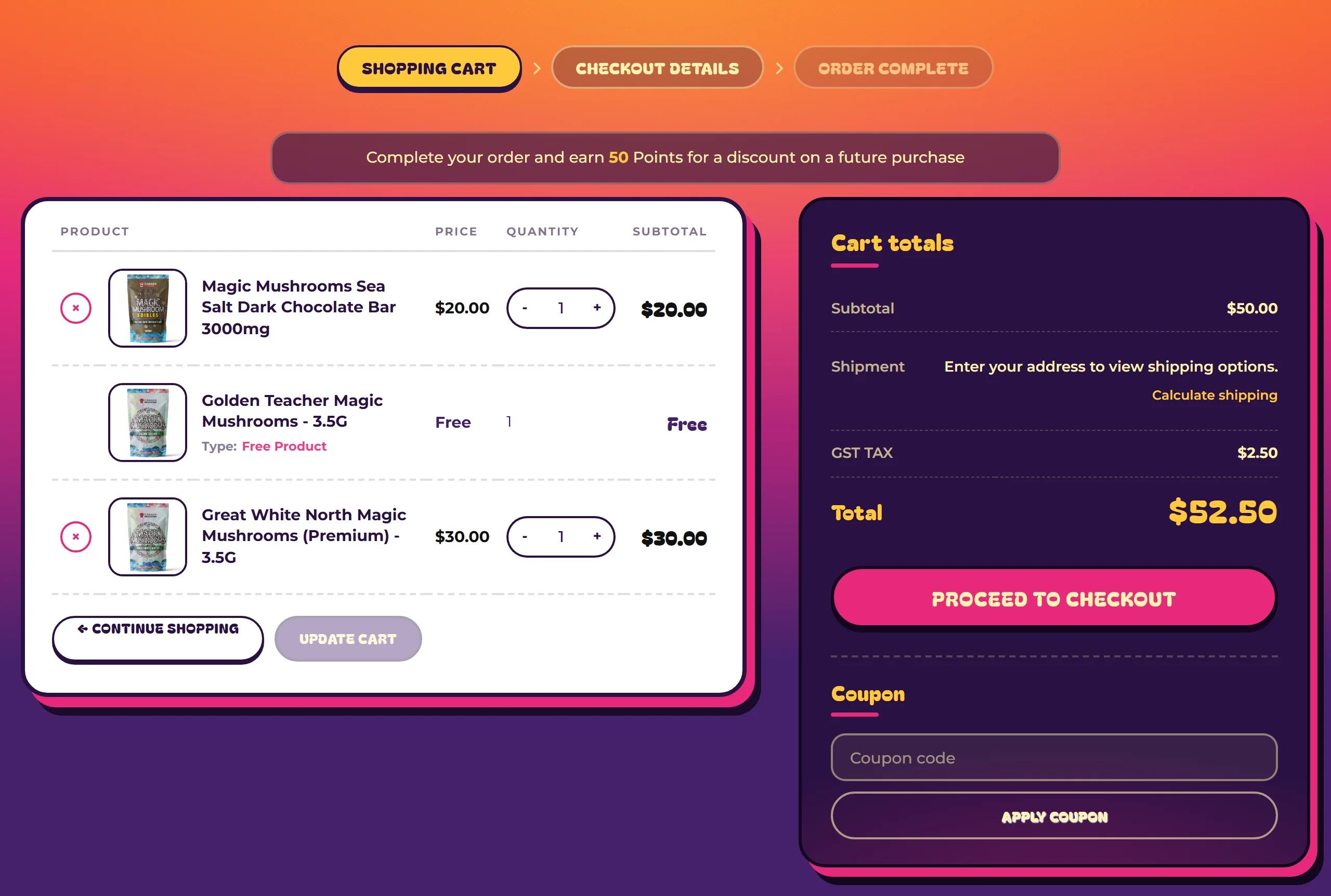
 2
Click on the cart icon at the top right of the screen, review your items and make sure they are correct. Click proceed to Checkout.
 3
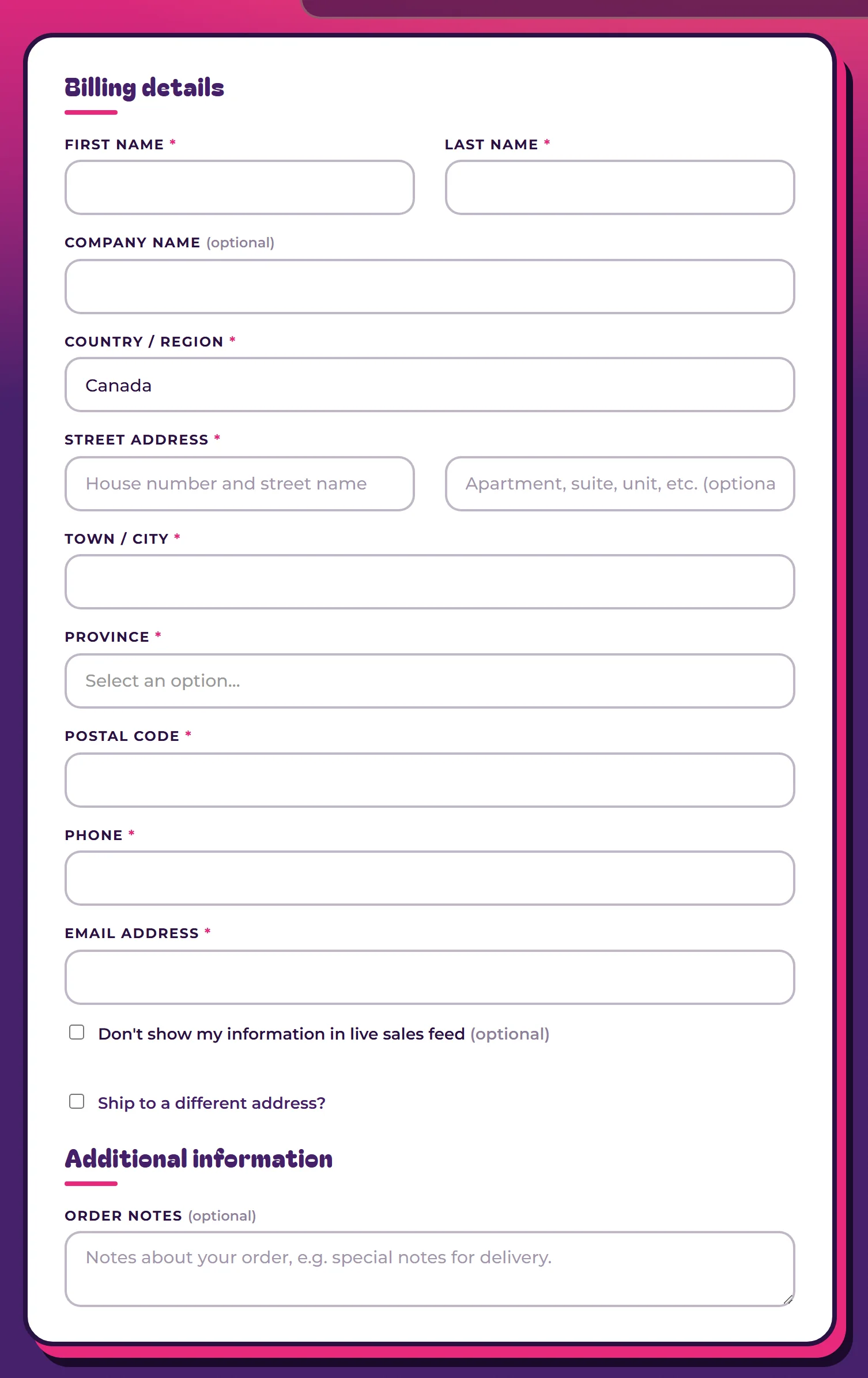
Fill out your Billing and Shipping Information. Please check the Shipping to a different address box if you are shipping to an address different than your billing address. After your first order as a member, your information will auto-fill so please make any changes now if your information has changed.
***Please be advised orders that are shipped to the wrong address due to incorrect shipping information will not be reimbursed***
 4
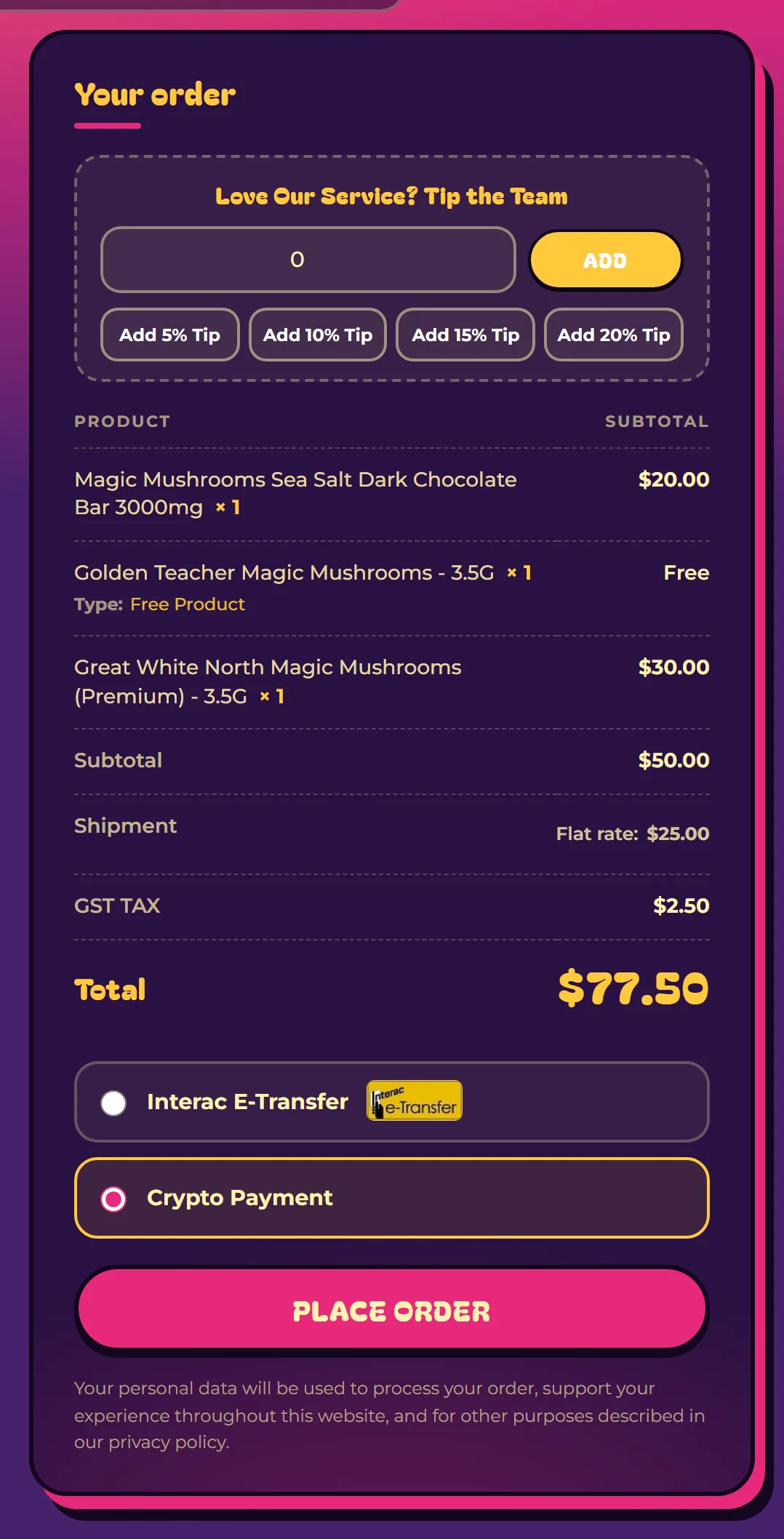
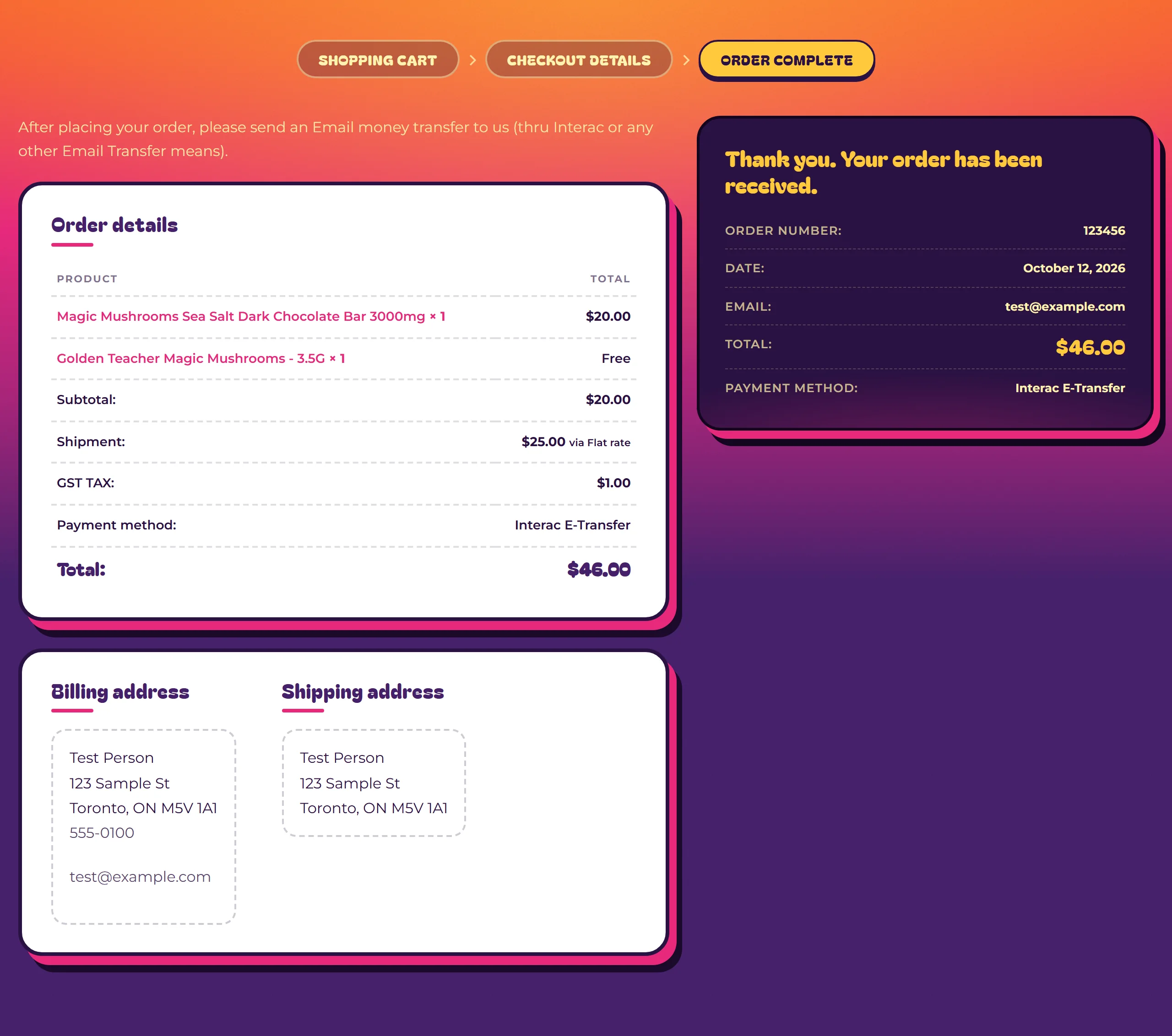
Please read the Terms and Conditions, agree by marking the check the box and then click Place Order *You must be 19 years or older*.
 5
We will receive a notification and will deposit the funds to our account.
****Double check the spelling of our email address as lots of people tend to spell it wrong [email protected]
****
📌 Important Notes: